
Accessible othello3.0 - App Store
You'll be able to see results in few seconds.
Publisher Description
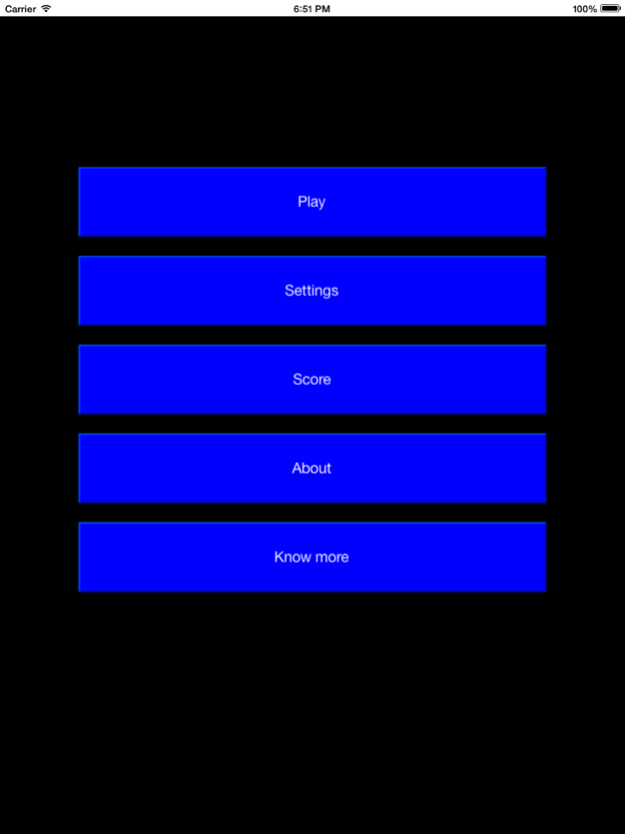
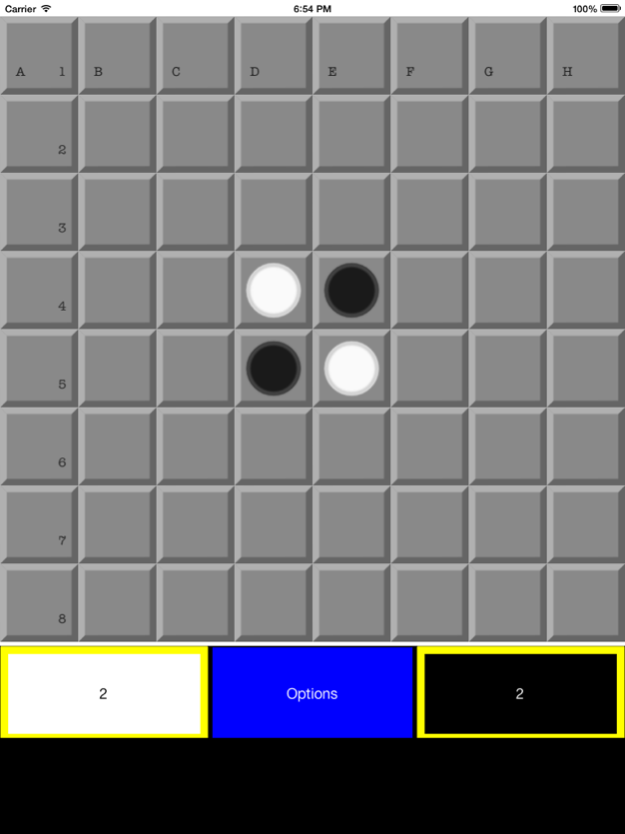
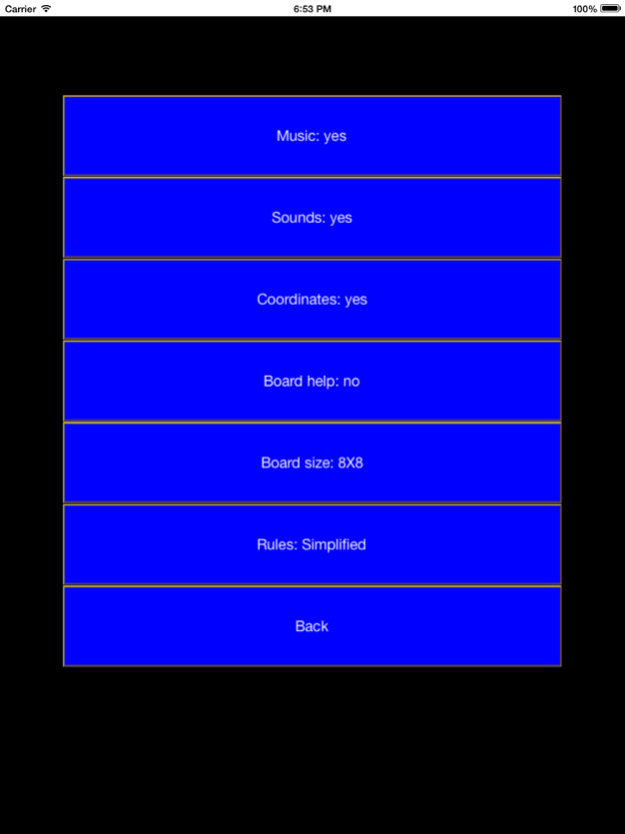
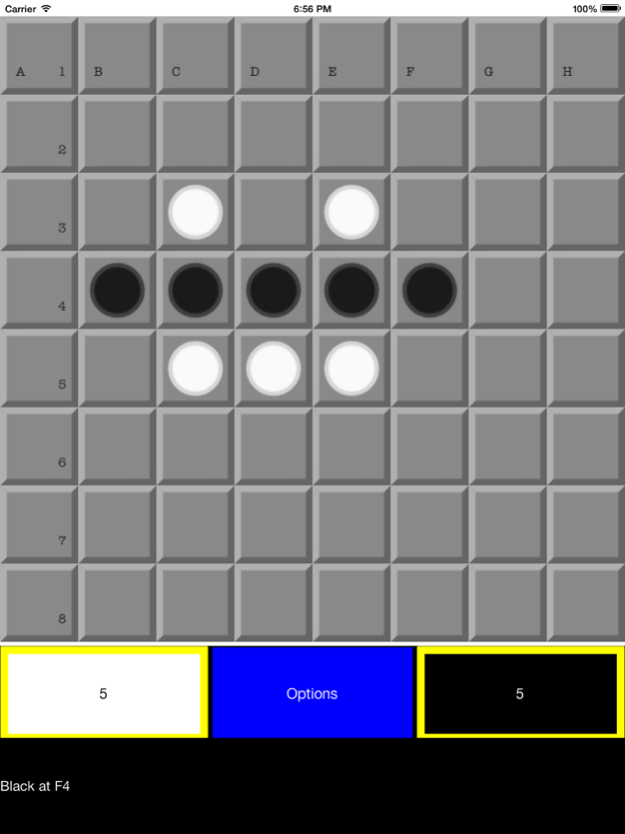
Accessible othello: play by sight, by ear, or both.
Works with VoiceOver, narrates the match out loud, shows coordinates on the board and lets you choose every colour. If you cannot see the screen you can still play: every move is announced, saying where the disc was placed and how many discs were turned over.
No sign-up, no adverts and no in-app purchases.
ACCESSIBILITY
. Works with VoiceOver and other accessibility services in your device.
. Spoken narration: choose the voice, the speed and the volume.
. Subtitles under the board telling you the result of every move.
. Voice Control: say "tap B5" to place a disc when the Voice control service is active.
. Coordinates on the board, in the colour you prefer.
. Positioned sounds: each square sounds according to where it is on the board.
. Deaf players miss nothing: everything you can hear is also written down.
MAKE IT YOURS
. Colour of the squares, of the bevels and of each player's discs.
. Colour of the match background and of the subtitles.
. Separate volume for the music and for the sound effects.
THE GAME
The aim is to take over the board with discs of your colour. Place your discs around your opponent's: when theirs are trapped between two of yours, they turn to your colour. Whoever holds more discs at the end wins.
. 6x6, 8x8 and 10x10 boards.
. Championship, normal or simplified rules.
. Four difficulty levels to play against your device.
. A guided tutorial that teaches you step by step.
. Turn-based matches with your friends on Game Center.
RULES
The squares are named with letters from A to H for the columns and numbers from one to eight for the rows.
Each player is assigned a colour. The game begins with two discs of each colour placed in the middle of the board.
Players must make a valid move on their turn. If you cannot move, you lose your turn and your opponent moves again.
A legal move in championship mode places a disc so that it outflanks one or more discs of the opposite colour, and those discs flip to your colour.
A legal move in simplified mode places a disc on a square next to another square that already holds a disc, without needing to flip any of the opponent's discs for the move to count.
Making a valid move flips every disc that has been outflanked. To be outflanked, discs must form a continuous straight line, diagonal, vertical or horizontal, of the same colour between two discs of the opposite colour.
The match ends when no player can move, usually when the board is full, and whoever holds more discs of their colour wins.
Available in Spanish and English. Works on iPhone and iPad.
*** Disclaimer ***
This application uses Game Center services, which are created by Apple. Game Center services have their own user interface and Apple is responsible for it. Tyflos Accessible Software is not responsible for the design or the proper functioning of the Game Center service. Please contact Apple if you find any accessibility or functioning problem with Game Center.
Version History A new version of the game, rebuilt in SwiftUI, with more accessibility and customisation options. 3.0 Sep 23 Game Center support, new graphics for the board and more bug fixes 2.0 05/08/2014 Minor bug fixes, tutorial included. 1.1 03/05/2014 1.0 02/24/2014
About Accessible othello
The company that develops Accessible othello is Jonathan Chacon Barbero. The latest version released by its developer is 3.0.
To install Accessible othello on your iOS device, just click the green Continue To App button above to start the installation process. The app is listed on our website since 2026-10-16 and was downloaded 0 times. We have already checked if the download link is safe, however for your own protection we recommend that you scan the downloaded app with your antivirus. Your antivirus may detect the Accessible othello as malware if the download link is broken.
How to install Accessible othello on your iOS device:
- Click on the Continue To App button on our website. This will redirect you to the App Store.
- Once the Accessible othello is shown in the iTunes listing of your iOS device, you can start its download and installation. Tap on the GET button to the right of the app to start downloading it.
- If you are not logged-in the iOS appstore app, you'll be prompted for your your Apple ID and/or password.
- After Accessible othello is downloaded, you'll see an INSTALL button to the right. Tap on it to start the actual installation of the iOS app.
- Once installation is finished you can tap on the OPEN button to start it. Its icon will also be added to your device home screen.
Program Details
System requirements
Download information
Pricing
Version History
version 3.0
posted on 2026-10-16
Version History A new version of the game, rebuilt in SwiftUI, with more accessibility and customisation options. 3.0 Sep 23 Game Center support, new graphics for the board and more bug fixes 2.0 05/08/2014 Minor bug fixes, tutorial included. 1.1 03/05/2014 1.0 02/24/2014
version 2.0
posted on 2014-05-08
May 8, 2014
Version 2.0
Game Center support, new graphics for the board and more bug fixes
version 2.0
posted on 2014-02-24
Disclaimer
Official App Store Link
We do not host Accessible othello on our servers. We did not scan it for viruses, adware, spyware or other type of malware. This app is hosted by Apple and passed their terms and conditions to be listed there. We recommend caution when installing it.
The App Store link for Accessible othello is provided to you by apps112.com without any warranties, representations or guarantees of any kind, so access it at your own risk.
If you have questions regarding this particular app contact the publisher directly. For questions about the functionalities of apps112.com contact us.
